Sora WatermarkRemover
Try The Tool
Paste your Sora link
Best For
Quick publishing passes, cleaner client previews, creative review decks, social video drafts, and reusable Sora footage that looks more polished without extra editing overhead.
Result Area
Review your cleaned video
Your cleaned Sora result will appear here after the task finishes.
Source Link
Paste a link and run the tool to see your source details here.
Pricing
Every successful watermark removal run costs 5 credits.
Made for motion, not static screenshots
A useful Sora watermark remover has to work on moving footage, not only on single frames. The goal is a result that feels stable during playback and more natural during real viewing.
Simple enough for non-editors
You do not need masking, keyframes, or a timeline. Paste the source link, run the task, and review the output from the same page.
Straightforward pricing
Each successful run costs 5 credits. The pricing is easy to understand when you are testing multiple Sora clips and deciding which ones deserve a cleaner final pass.
Recent History
Reopen earlier runs
Use Cases
Where a Sora video watermark remover fits in real work
Social media publishing
Prepare cleaner Sora clips for short-form posts, teasers, launch videos, or visual experiments that need a more polished presentation before going live.
Creative review
Share better-looking footage in internal reviews, client conversations, or pitch materials where the focus should stay on the concept instead of the overlay.
Editing and remixing
Use a cleaner source when building edits that include titles, transitions, overlays, voiceover, music, or additional motion design elements.
Asset organization
Keep a more reusable library of generated clips so you can revisit ideas later without repeating the same cleanup work from scratch.
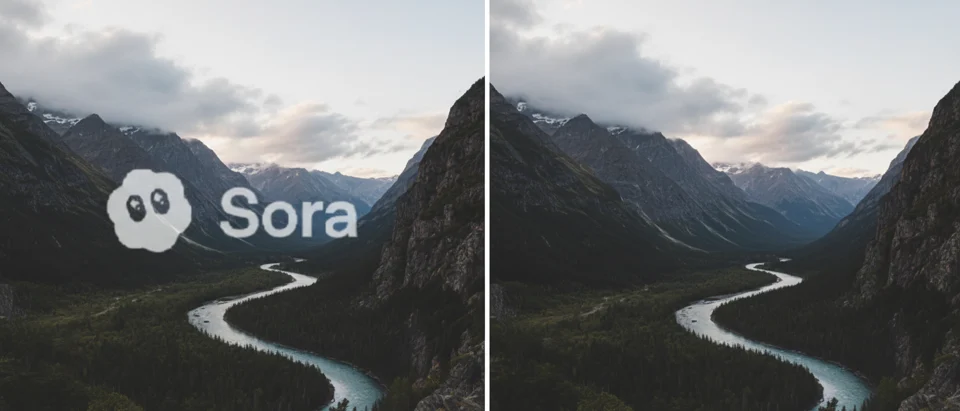
Example 1
Example 2

More Details
How this workflow fits real creative work
Why people search for a Sora watermark remover
Most users who search for a Sora watermark remover are not looking for a giant post-production suite. They already have a Sora clip that looks promising, and they want a cleaner version they can actually reuse. That reuse might be for a presentation, a social post, a product concept, a short-form video draft, a moodboard, or a creative review. In every one of those cases, the watermark becomes the thing that breaks the illusion first. The clip may still be visually strong, but the final presentation feels unfinished.
That is why this page is intentionally built around one narrow job. It does not start with a generic upload message or a heavy editor interface. It starts from the exact high-intent behavior behind the keyword itself: remove watermark from Sora video, fast. The experience is meant to feel more like a modern SaaS utility than a traditional editing app. The workflow is short, the value is obvious, and the page is designed to help users act quickly instead of decoding a complex interface.
Why a dedicated page works better than a generic editor
When someone searches for sora video watermark remover, they usually do not want ten different tools before they can start. They want a direct answer to one problem. A dedicated page does a better job of matching that intent. It reduces friction, shortens the decision path, and makes the product easier to trust because the promise is extremely clear. Paste a public Sora link, run the cleanup, and review the result. That kind of clarity is part of the product itself.
A broad editor can still be useful later, but it is often the wrong first step for a user who simply wants a watermark-free Sora clip. This page is built for that first step. It respects the fact that creators, marketers, founders, and content teams are often evaluating many assets quickly. They do not want to learn a workflow every time. They want a reliable utility that solves the immediate problem and then gets out of the way.
How cleaner Sora clips become more reusable
A clean Sora clip is easier to drop into almost every downstream workflow. It is easier to place inside a pitch deck. It is easier to edit into a product reel. It is easier to combine with captions, motion graphics, voiceovers, transitions, and brand treatments. It is easier to circulate internally without distracting people from the actual image. In practical terms, a watermark-free clip simply becomes a more reusable creative asset.
That matters because many AI-generated videos are not judged only on artistic quality. They are judged on whether they can move through a real working process. Can a team review them? Can an editor cut them? Can a marketer publish them? Can a founder show them in a meeting? Can a creative director compare several variations side by side? A useful Sora watermark remover helps a clip cross that line from interesting generation to usable asset.
A SaaS-style experience for a narrow, high-intent task
The design direction for this page is intentional. It should feel like a focused SaaS product, not a generic AI demo. That means a strong headline, a direct input action, clear pricing, visible task history, immediate result preview, and enough supporting copy to answer real buyer and user questions. The visual language is clean, the structure is skimmable, and the feature framing stays close to outcomes that matter in actual workflows.
A focused product page also makes the experience easier to trust. Users can quickly understand what the tool does, who it is for, how much it costs, and how to use it. That clarity matters when you are moving fast, reviewing multiple clips, and deciding which Sora videos are worth cleaning for publishing, editing, or reuse.
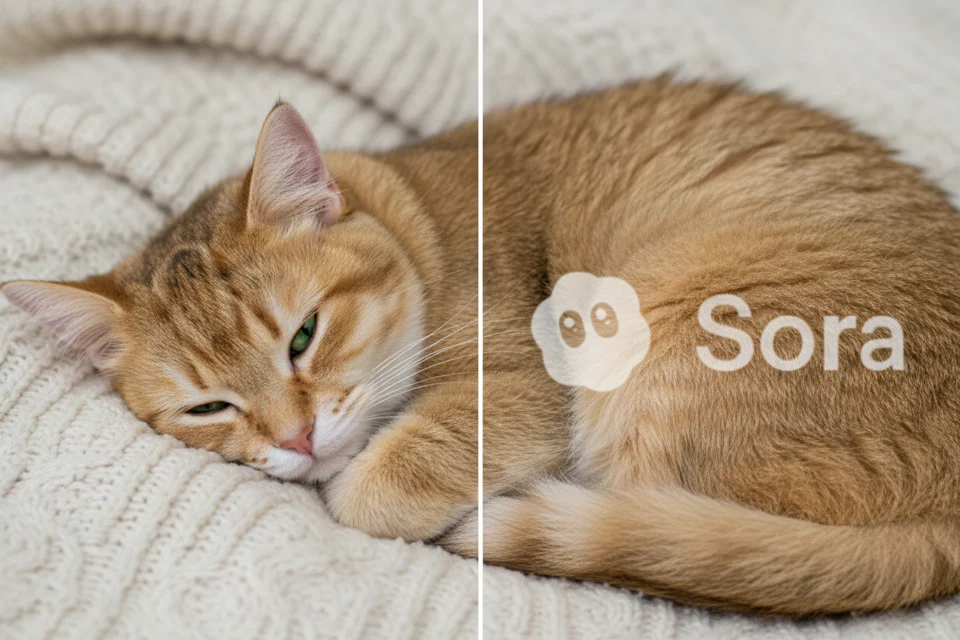
Workflow Visual 3
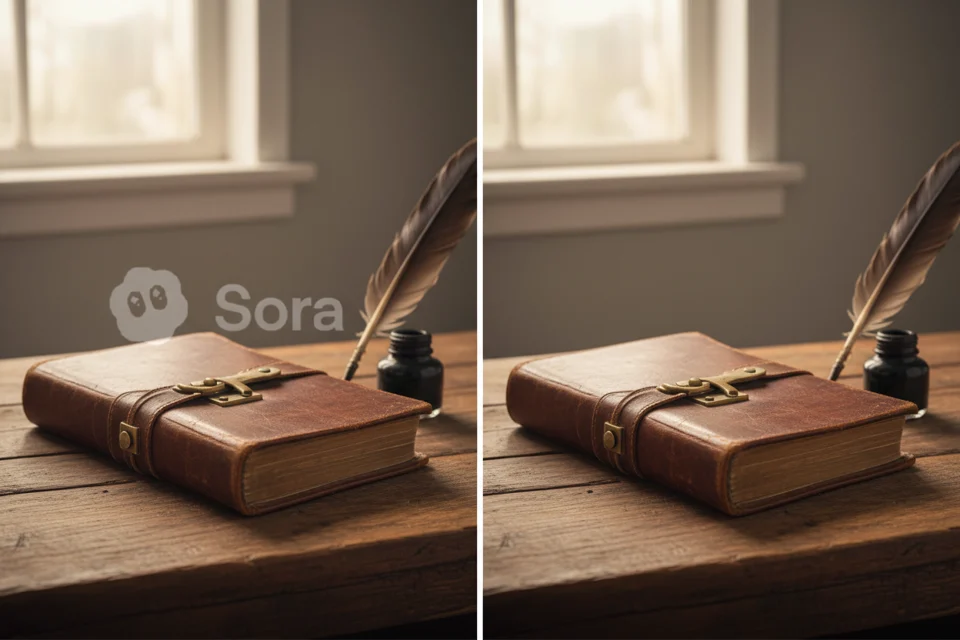
Workflow Visual 4
How To Use It
A simple SaaS flow for a very specific job
Copy a public Sora page URL and paste it into the form.
Start the watermark removal run from the same page.
Open the result once it is ready and review playback quality.
Reuse the cleaned clip for publishing, editing, client review, or future reference.
FAQ
Sora watermark remover questions
What kind of link works on this page?
Use a public Sora page URL that starts with https://sora.chatgpt.com/. If the source is private, expired, or inaccessible, the run may fail because the video cannot be reached.
How much does the Sora watermark remover cost?
Each successful run costs 5 credits. The pricing is intentionally simple so you can test multiple Sora clips without needing to calculate usage by duration or export tier.
Is this page only for Sora videos?
Yes. This workflow is built specifically for public Sora links and for users who want a simple way to clean and reuse Sora videos online.
Do I need editing skills to use it?
No. You do not need masking, timeline editing, or advanced post-production knowledge. The page is built to keep the interaction simple and direct.
Why use a dedicated page instead of a general editor?
A focused SaaS workflow is faster to understand and faster to use. If your job is specifically to remove a watermark from a Sora clip, a narrow page usually beats opening a full editor first.
Can I reopen older results later?
Yes. Signed-in users can revisit earlier runs from history, which makes it easier to compare results and return to promising clips without starting over each time.